UPLOAD-FIRST VIDEO CENSOR
CENSOR VIDEO ONLINE
Upload a clip, review AI-timed words, and bleep out cuss words in video.
Upload a video, generate an AI transcript, choose the words or phrases to censor, and download a clean MP4. This is the upload-first page for creators, teachers, teams, and anyone who needs a faster online video profanity censor workflow.
UPLOAD A VIDEO
Start with MP4, MOV, AVI, or WebM. Short desktop files can use private browser mode; phones and longer videos can use Studio.
REVIEW AI-TIMED WORDS
Whisper AI creates a timestamped transcript so you can review likely matches before anything is censored.
BLEEP OUT CUSS WORDS
Use profanity lists, click individual words, or match phrases. Pick classic bleep, silence, brown noise, dolphin chirps, or T-Rex roar.
DOWNLOAD A CLEAN MP4
Preview the censored result and export a clean video for YouTube, TikTok, classrooms, or client review.
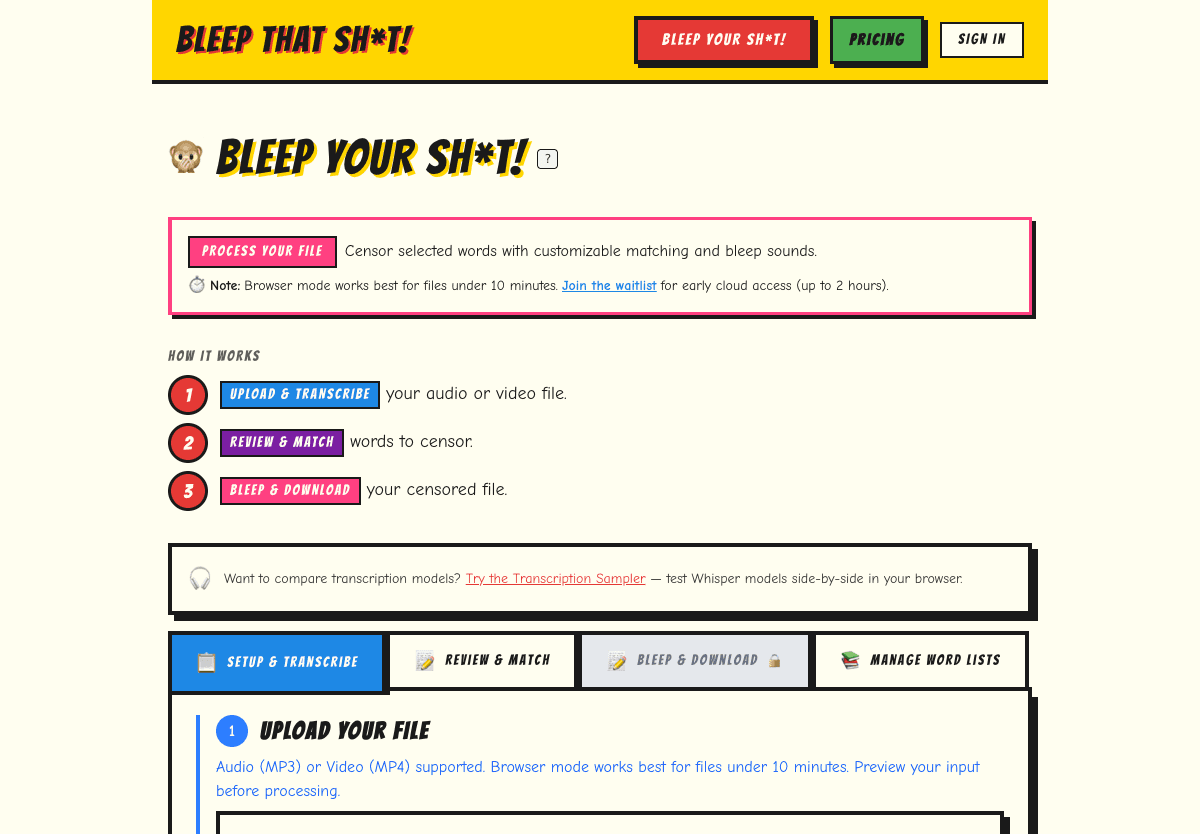
UPLOAD YOUR VIDEO
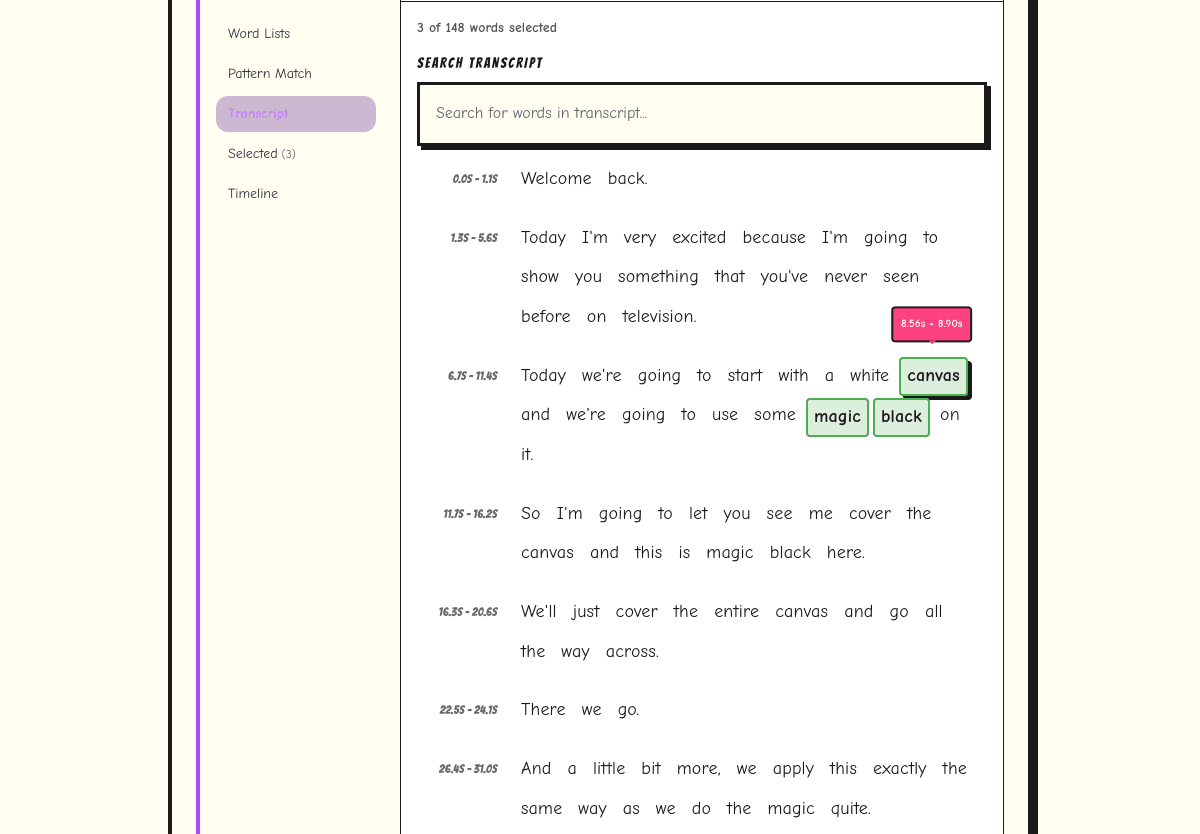
REVIEW WORDS BEFORE EXPORT
BROWSER DEMO VS STUDIO
Browser Demo
- Best for quick clips and short files.
- No account required.
- Files stay on your device in browser mode.
Studio
- 3 free cloud hours on signup.
- Longer files, saved projects, and re-exports.
- Cloud processing uploads files for faster transcription.
BUILT FOR CURSE WORD CENSORING
Traditional editors make you find each target word by ear. Bleep That Sh*t! starts with a transcript, so censoring a video becomes a review task: scan likely matches, choose what to bleep, preview, and export. For broader feature details and comparison tables, use the main video censor tool page.
FREQUENTLY ASKED QUESTIONS
What is the fastest way to censor curse words in a video?
Use an upload-first AI video censor tool that transcribes the audio first. Bleep That Sh*t! shows transcript words with timestamps, so you can select profanity in the transcript instead of scrubbing a timeline.
Can I auto censor video without CapCut or Premiere?
Yes. Upload the video online, generate an AI transcript, apply a profanity list or click words manually, preview the timing, and download the censored MP4 without opening a traditional editor.
Does the tool censor the visual part of the video?
No. This workflow censors spoken words in the audio track. It does not blur faces, logos, or on-screen text.
Where should I go for audio-only files?
Use the dedicated audio workflow for podcasts, interviews, and voiceovers. Open the audio censor tool.
VIDEO GUIDE
Step-by-step bleeping tutorial
TOOL COMPARISON
Compare censoring tools
LONGER FILES
Studio cloud plans