FERPA-Compliant Video Censoring for Teachers: What to Look For

Teachers need to censor video content regularly — removing profanity from documentaries, cleaning up student project submissions, making clips classroom-appropriate. But most video editing tools require uploading files to cloud servers, which creates a FERPA compliance question when the content involves students.
Here's what teachers should look for in a video censoring tool, and why local processing is the safest approach.
Why FERPA Matters for Video Censoring
FERPA (Family Educational Rights and Privacy Act) protects student education records from unauthorized disclosure. When you upload a student's video project to a cloud service for processing, you're potentially sharing a student education record with a third party.
This creates risk in two scenarios:
- Student-created content: Video projects, presentations, or recordings that identify students
- Classroom recordings: Any video that captures students' voices, faces, or names
Even if the tool's privacy policy says they don't store data, the upload itself constitutes a transfer of student records.
Browser-Based Processing: The FERPA-Safe Approach
The simplest way to stay compliant is to use tools that never upload your files. Modern web browsers can run machine learning models locally using WebAssembly, meaning the entire censoring pipeline can happen on-device:
- Video stays on the device — no network transfer
- AI transcription runs locally — Whisper model executes in the browser
- Bleep processing is client-side — audio manipulation happens in Web Workers
- Download is local — censored file saves directly to the device
No server ever touches the file. No data processing agreement needed.
What to Check in Any Tool
Before using a video tool with student content, verify:
| Question | Safe Answer | Red Flag |
|---|---|---|
| Does the file upload to a server? | No — processed locally | Yes — even temporarily |
| Does the tool require an account? | No — anonymous use | Yes — with student email |
| Is there a privacy policy mentioning education? | Yes — FERPA addressed | No mention of education |
| Can IT verify no network calls? | Yes — DevTools shows no uploads | Network requests to unknown servers |
How Bleep That Sh*t Handles This
Browser mode (free, up to 10 minutes):
- All processing happens locally in your browser
- Video file never leaves your device
- No account required
- Zero network uploads during processing
- IT can verify using browser DevTools — no outbound data transfer
Cloud mode (paid plans):
- Audio is uploaded for transcription on cloud servers
- Use this only for non-student content (your own recordings, licensed material)
- Not recommended for student-created content under FERPA
The Practical Recommendation
For student content: Always use browser mode. It's free for videos up to 10 minutes, which covers most student projects.
For licensed/teacher content (YouTube clips, documentaries, your own recordings): Either mode is fine — no student data is involved.
Works on School Devices
Since the tool runs entirely in the browser:
- Chromebooks: Works in Chrome, no installation
- School-managed Windows/Mac: No admin privileges needed
- iPads: Works in Safari
- No IT approval: Nothing to install = nothing to approve
Get Started
Bleep That Sh*t helps review and censor classroom videos. Start censoring in Studio →
For teachers who need cloud processing for longer content, educator pricing starts at $5/month with a verified .edu or .k12 email.
Learn more about the tool on our educator page.
READY TO CLEAN CLASSROOM VIDEOS?
Start in Studio for longer classroom videos, saved projects, and free cloud transcription hours.
START IN STUDIO FREERelated Articles
How to Redact Protected Information from Legal Audio and Video Recordings
A practical guide to redacting PII, HIPAA data, and privileged information from recorded hearings, depositions, intakes, and training materials using AI-powered transcription.
How to Make YouTube Videos School-Appropriate (Free Tool for Teachers)
Turn any YouTube video into classroom-appropriate content. Free AI tool auto-detects and bleeps profanity in minutes — works on Chromebooks, no installation.
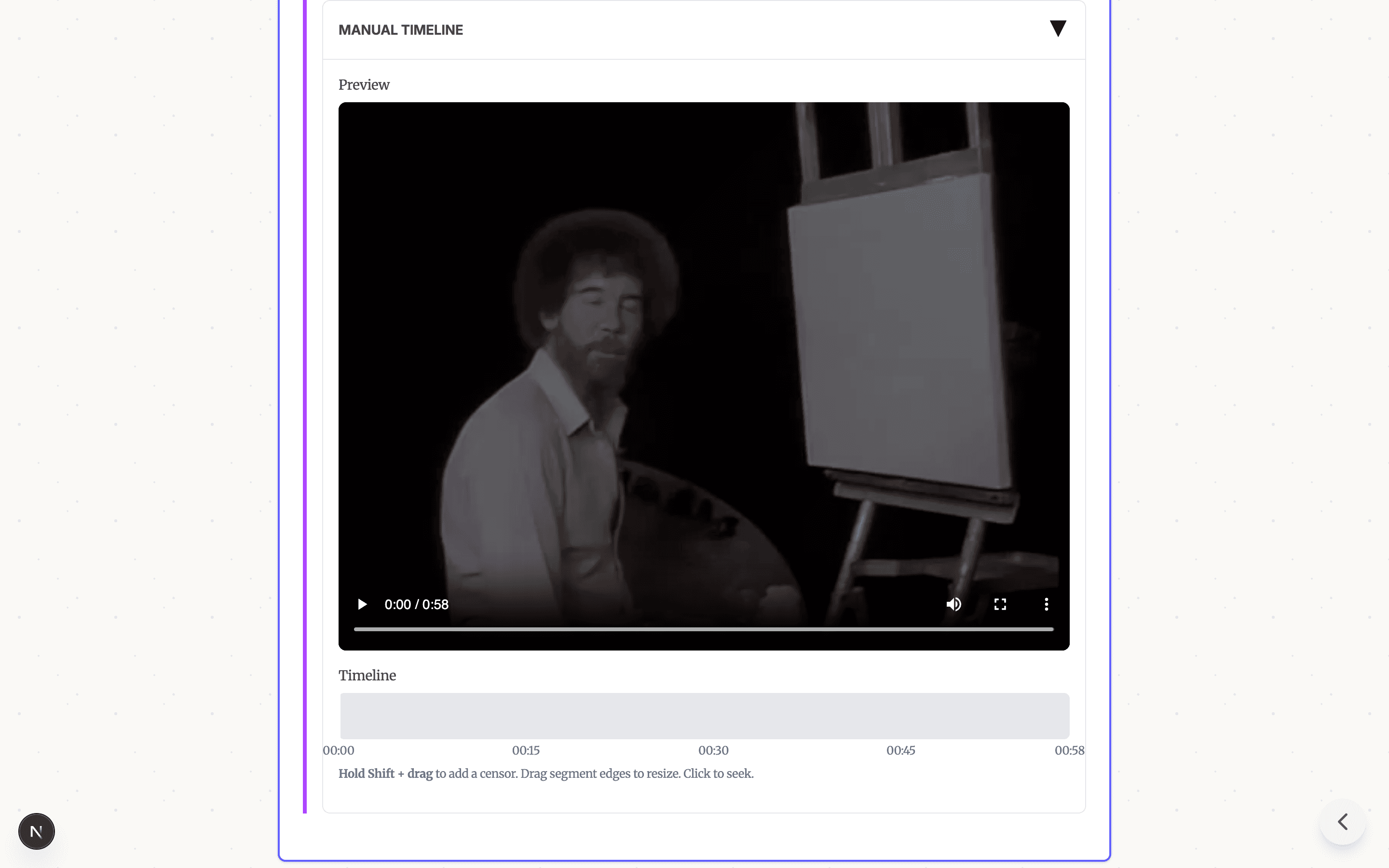
Free Video Censor Tool: Censor Audio and Video Online
Free online video censor tool — bleep out words in audio and video files. No download, no signup, no upload to servers. Works on any device.