TUTORIAL
12 articles

YouTube Demonetization: How to Fix Profanity Before Upload
A practical guide to reducing YouTube demonetization risk from profanity: review the opening, titles and thumbnails, bleep risky words, export a clean version, and keep your original edit intact.
How to Censor Videos for TikTok & Instagram (Free, No App Needed)
Bleep profanity from your TikTok, Instagram Reels, and short-form videos before uploading. Free browser tool — works on any device.
How to Bleep Profanity in Podcasts: Create Clean Versions Fast
Learn how to censor profanity in podcast episodes for ad-friendly distribution. Free browser tool — no audio editing experience needed.
How to Make YouTube Videos School-Appropriate (Free Tool for Teachers)
Turn any YouTube video into classroom-appropriate content. Free AI tool auto-detects and bleeps profanity in minutes — works on Chromebooks, no installation.
AI Profanity Filter: How Automatic Audio & Video Censoring Works
How AI profanity filters use Whisper transcription, word-level timestamps, profanity lists, and human review to bleep swear words in audio and video.
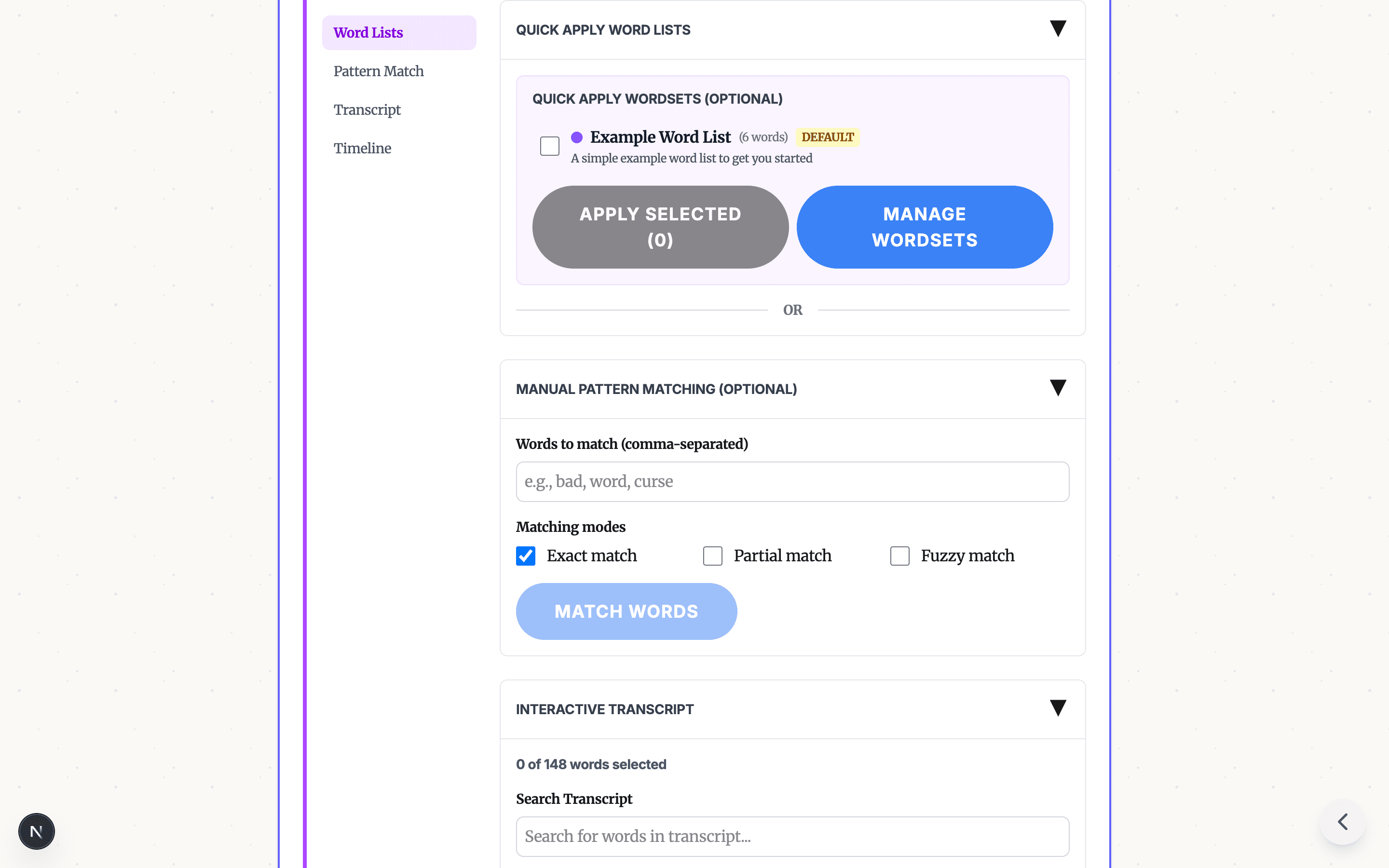
Profanity Filter List for Audio, Video, and Text
A practical profanity filter list strategy for creators: what to detect, what to review manually, and how AI tools help bleep audio or video without over-censoring.
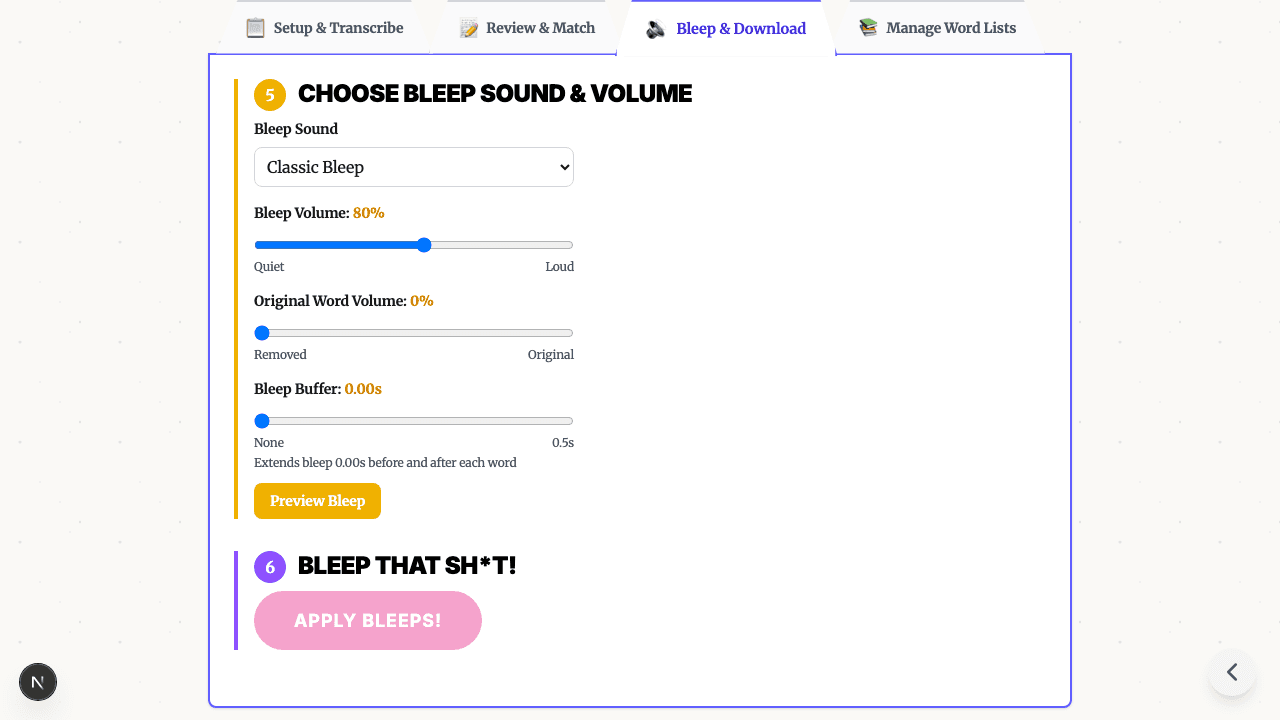
Bleep Sound Effect: How to Add a Censor Beep to Audio or Video
Choose a bleep sound effect, silence, or noise for censoring profanity in audio and video, then place it with transcript timestamps before export.
How to Bleep Out Words in Any Video (Free, No Download)
Bleep out swear words in any video for free. No download or signup required. Upload, select words to censor, and export in seconds.
How to Censor Videos on Chromebook (Free, No Download, No Install)
Free online video censor for Chromebook — no download, no install, no IT approval. AI auto-detects swear words and bleeps them right in your browser. Works on school-managed Chromebooks too.
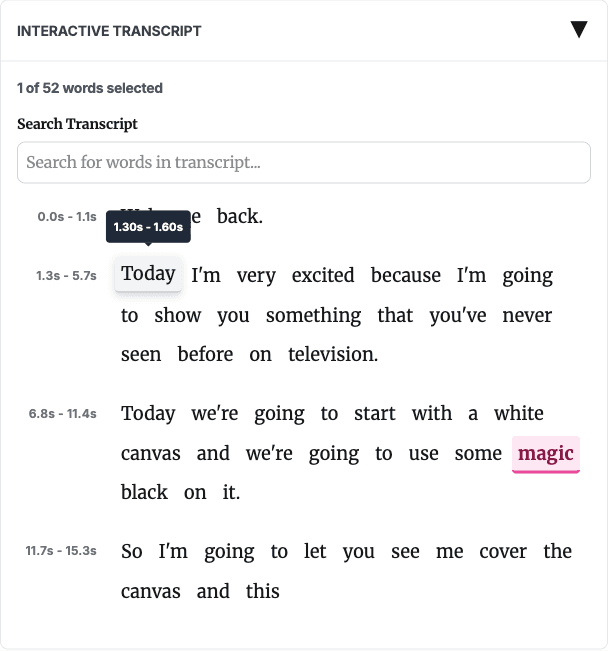
How to Bleep Words in Video Without CapCut, iMovie, or Premiere (Free)
Learn the manual CapCut, iMovie, and Premiere bleep workflow, then use AI transcript review to select words faster and export a clean MP4.
How to Keep YouTube Videos Ad-Friendly: Bleep Profanity for Monetization
Protect your YouTube monetization by censoring profanity before upload. Free browser tool - no Premiere Pro needed.

How to Bleep Out Curse Words in Video: Free Online Guide
Bleep out curse words in video by uploading a clip, generating an AI transcript, reviewing likely matches, choosing bleep or silence, and exporting MP4.
READY TO BLEEP YOUR CONTENT?
Try our free in-browser tool - no uploads, 100% private.
BLEEP YOUR SH*T!